
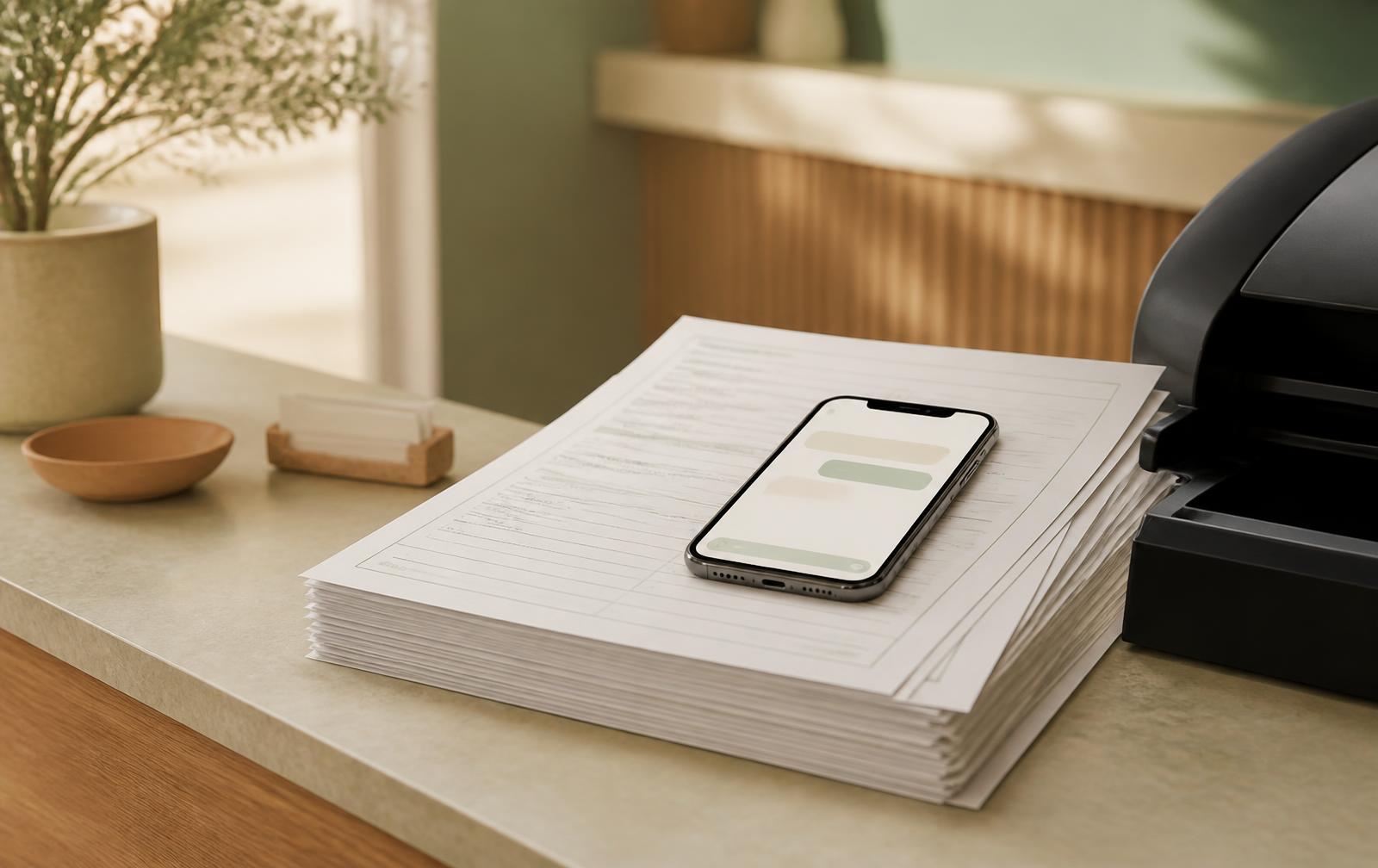
Your clinic already knows what it needs to ask. Those questions are sitting in a PDF: history, medications, allergies, the reason for the visit. The problem is often the experience around them. A patient opens a long form on a small screen, puts it aside, and arrives with it unfinished. Your front desk inherits the work.
A different experience, not another form builder
Converting a PDF into chat intake means preserving the information your practice needs while changing how a patient supplies it. Instead of scrolling through a document, the patient answers a conversation. A short question appears, relevant choices are easy to tap, and follow-up questions respond to what they said.
In Moxcares, clinics can upload their existing PDF forms and use AI to prepare conversational intake. Multiple-choice questions offer selectable chips. Other questions can offer suggested quick-select answers, alongside the opportunity to explain in the patient’s own words. The goal is a friendly exchange, not a lengthy typing exercise.
This is different from making a PDF fillable or putting a conventional questionnaire in a chat-shaped window. The useful test is what happens after each answer—and what reaches the clinician afterward.
1. Start with one form your clinic actually uses
Choose a common visit type and its current blank intake form. Use the approved version, including all pages, rather than a patient’s completed copy. Decide which questions are clinical history, which are administrative, and which are consent or acknowledgment requirements.
Keep the first rollout manageable. A new-patient history for one practitioner is easier to validate than every specialty, visit type and location at once. Name a staff owner and a clinician who can confirm that the converted questions still collect the intended information.
Uploading the form saves rebuilding work; it does not replace reviewing the resulting conversation. A checkbox label, a date field and a consent statement have different meanings. Those meanings should survive the conversion.
2. Make answering easier than typing a paragraph
Long free-text boxes ask patients to decide both what to say and how to say it. A well-designed conversation gives them a useful starting point. Quick-select options reduce the amount of typing, especially on a phone, without forcing a patient into an answer that is not true.
Illustrative interaction · not a live intake
“What would you like us to know before your visit?”
A selection starts the conversation. The patient can add the details that matter.
Suggested answers should be choices, not assumptions. “Not sure” is not the same as “No.” A patient who cannot remember a medication name should not be pushed into reporting that they take none. Review how uncertainty, corrections and additional detail are handled before the form goes live.
3. Review the branches, not just the opening question
Ask your team to try several paths: a straightforward answer, an answer needing follow-up, an uncertain answer and a correction. Confirm that relevant follow-ups appear and unrelated questions do not create unnecessary work.
A short question can still collect specific information. For example, a patient describing a concern may need to explain when it started and what has changed. The conversation should gather history for the care team—not diagnose the concern or present a suggested response as medical advice.
Also test the practical experience: small screens, longer answers and a staff-assisted completion. Keep a way for patients to get help. A conversational option should make intake more accessible, not become a new obstacle for people who need another route.
“Keep the questions your practice needs. Remove the work patients should not have to do.”
4. Connect completion to preparation for the visit
After setup, patients receive a link to access the clinic’s intake experience. They do not need to download another app. An easy invitation is only the beginning: staff also need to know what has been completed and what still needs attention.
Inside Moxcares, intake becomes a structured summary with chart proposals for the clinician to review. That is the important handoff. The clinician can review, edit or accept proposed information instead of treating a patient’s answer as an automatically approved clinical fact.
Think about the difference between attaching a document and preparing useful information. A PDF can be available in the record while still requiring someone to read and retype it. A reviewable proposal brings the information into the charting workflow, while keeping the decision with the clinician.
5. Pilot with a clear definition of success
Do not judge the change by how impressive the first demo looks. Compare the new process with your current one for a defined group of visits. Keep the visit types and invitation timing comparable, and note any other workflow changes.
- Completion before arrival: completed intakes divided by the eligible visits invited.
- Drop-off: where patients start but do not finish.
- Staff effort: time spent reminding, assisting, scanning and re-entering answers.
- Review quality: missing information and corrections needed in chart proposals.
- Patient feedback: whether choices were understandable and help was available.
Use the same definition of “complete” for both experiences. More answers, more started conversations and more completed intakes are different outcomes. Avoid turning one into a claim about another.
Before you turn it on: a short checklist
Confirm the form version, question wording, choices, branching and required acknowledgments. Test the link as a patient, preview the resulting summary as a clinician, and decide who responds when someone needs help. Check staff permissions and your organization’s data-handling requirements.
Moxcares supports both form-based and conversational intake. Start with the workflow that needs help, then expand after the team is comfortable. You do not need to make every operational change on the same day.
Common questions about PDF-to-chat intake
Do we have to rewrite all our questions?
No. The existing PDF is the starting point. Moxcares prepares the conversation from that material; your team reviews it for wording, completeness and the right flow before use.
Will patients have to type every answer?
No. Multiple-choice chips and suggested quick-select options make many answers a tap rather than a paragraph. Patients still need room to provide detail when a fixed choice is not enough.
Does completing intake automatically update the clinical record?
Moxcares prepares summaries and chart proposals. Clinicians remain responsible for reviewing and approving clinical information. Patient completion and clinician approval are separate steps.
Explore the conversational intake workflow, or use our patient intake software buying guide to compare approaches.
Keep reading
See your form become a conversation.
Bring a blank intake form to a Moxcares walkthrough. We’ll show the patient experience, the quick-select answers and the chart handoff.
Book an intake walkthrough