FOR FRONT DESK TEAMS

Be there for the patient. Not buried in the admin.

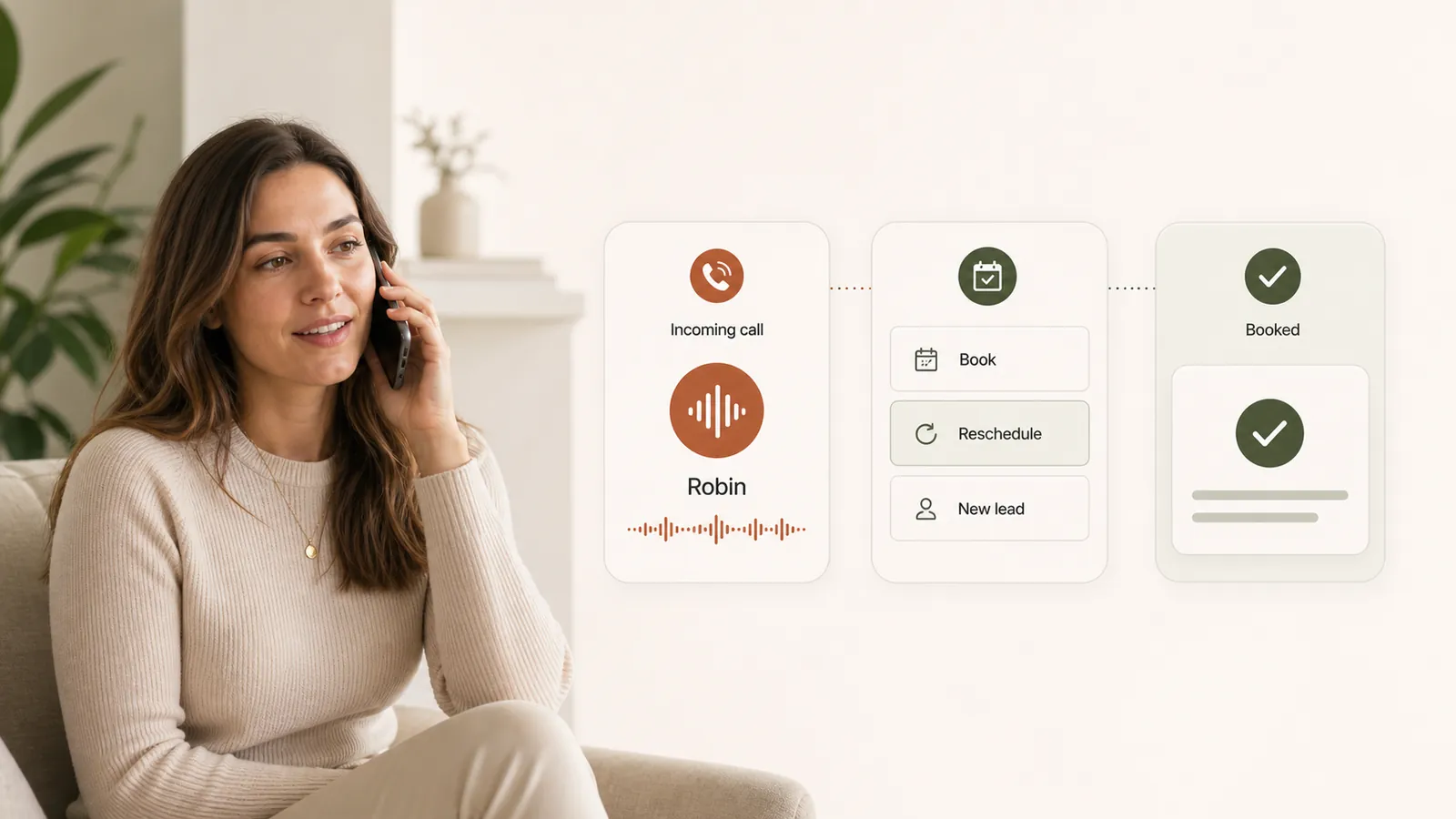
A ringing phone, a missing intake and a cancellation should not pull your team in three directions. Moxcares brings the next steps into view and gives routine work to AI—with staff available when a person is needed.

  • Fewer calls to make one by one
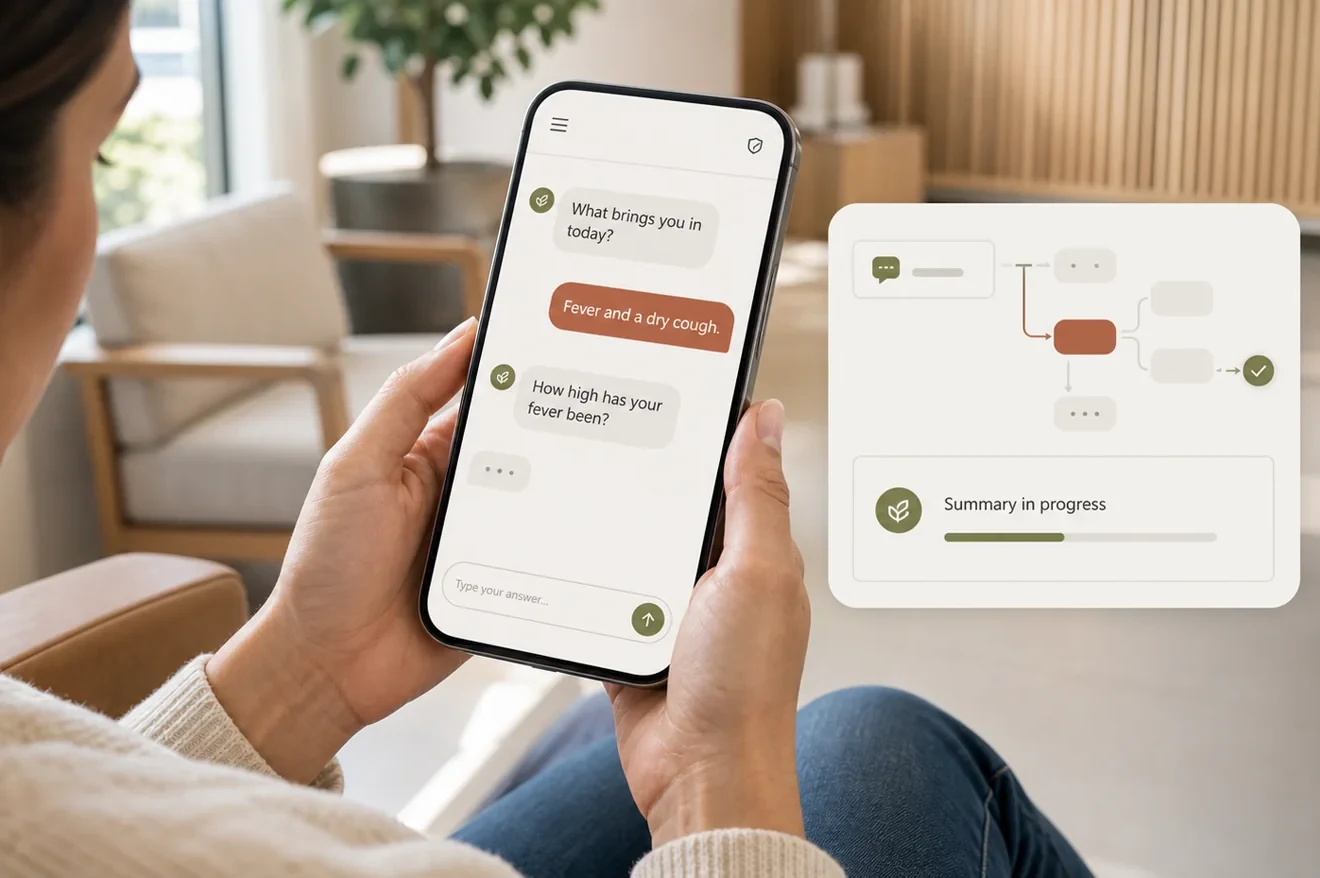
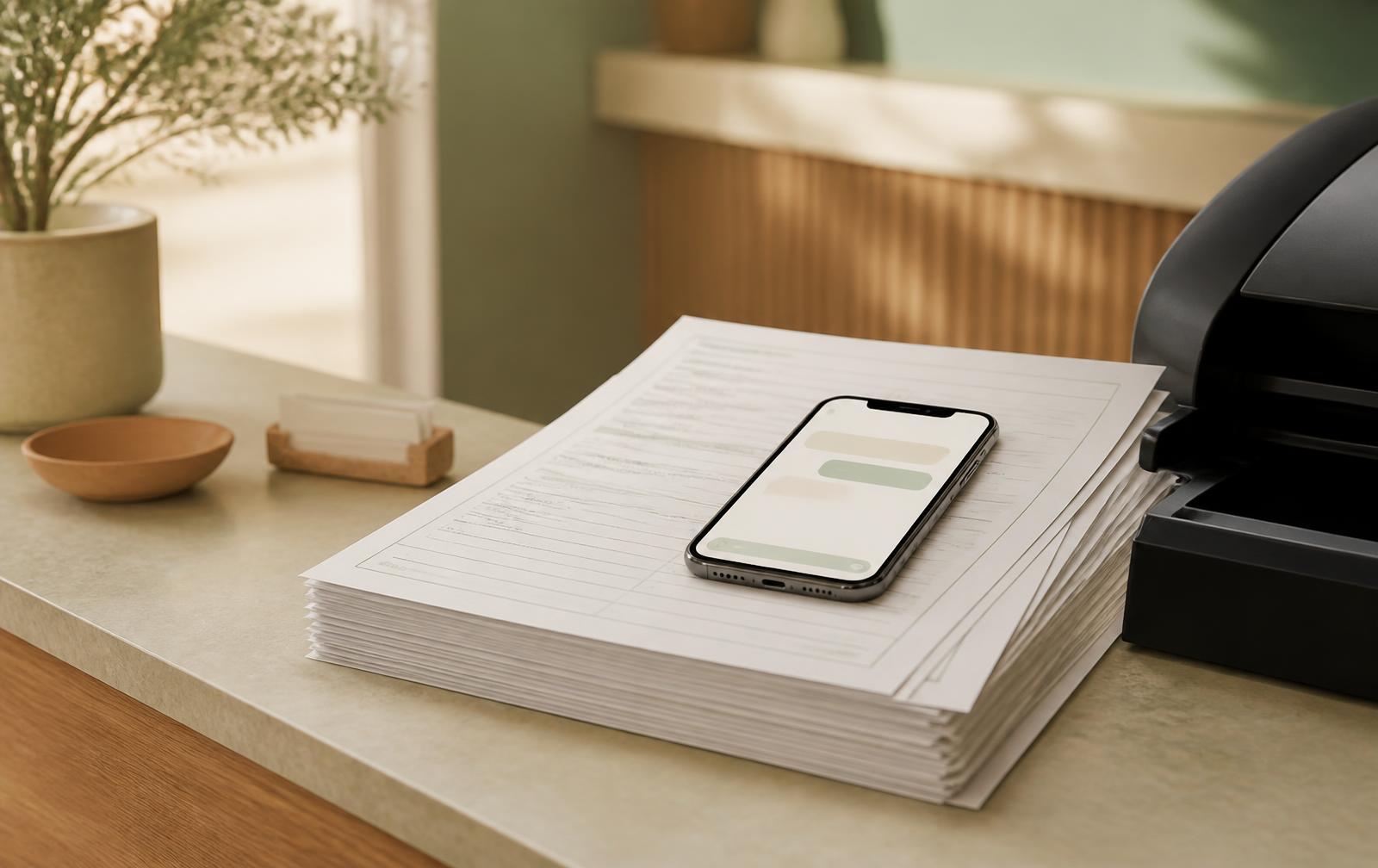
  • Intake without retyping PDF forms
  • Check-in and rooming status together
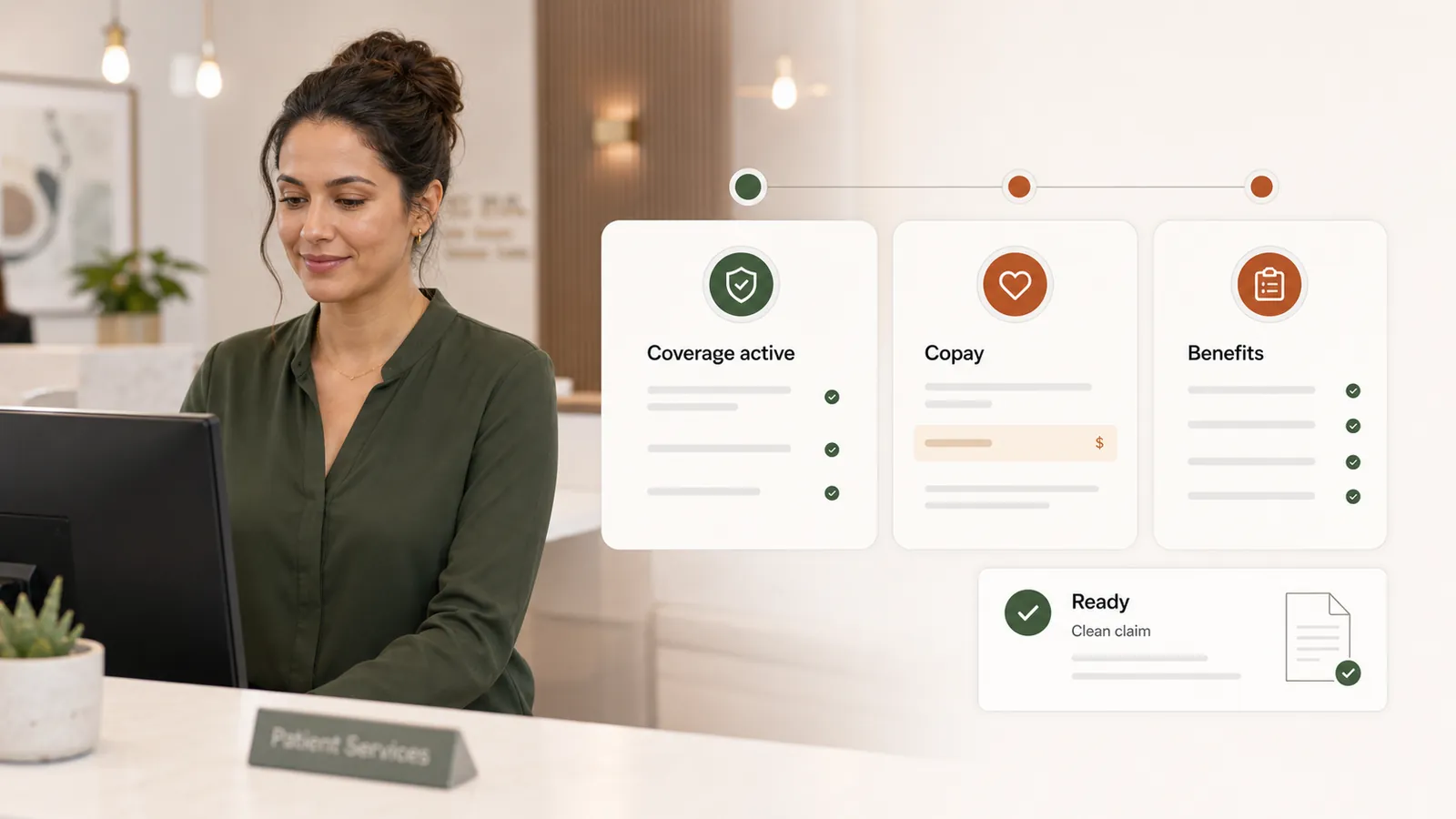
Illustrative clinic front-desk team working together at reception

CONNECTED, STEP BY STEP

A clearer view of the day, from opening to close.

Keep appointments and patient context together as the work moves between your team.

  1. 01

    Prepare for arrivals

    See the schedule, intake status and available eligibility information. Follow up on what is missing before it interrupts a visit.

  2. 02

    Keep the day moving

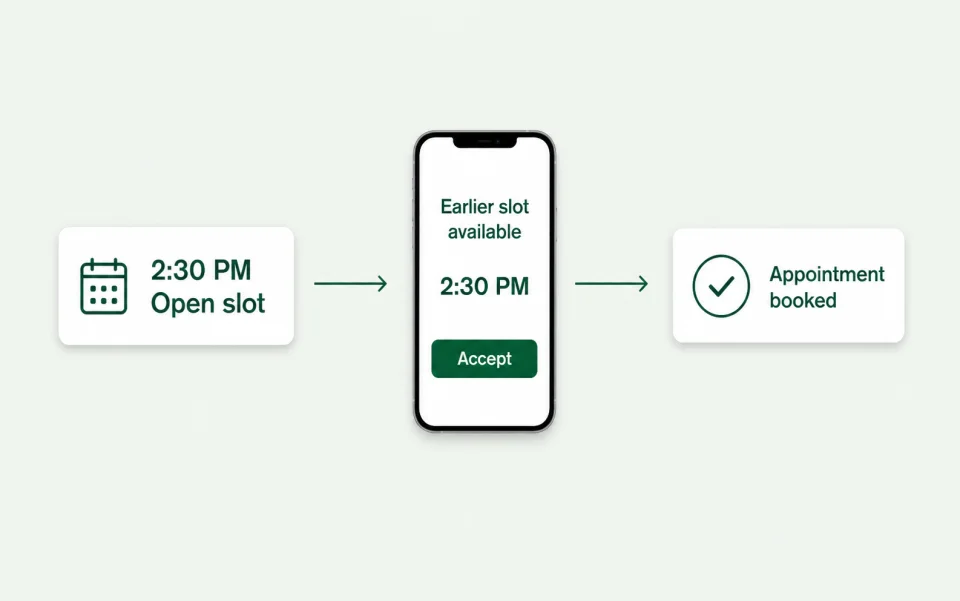
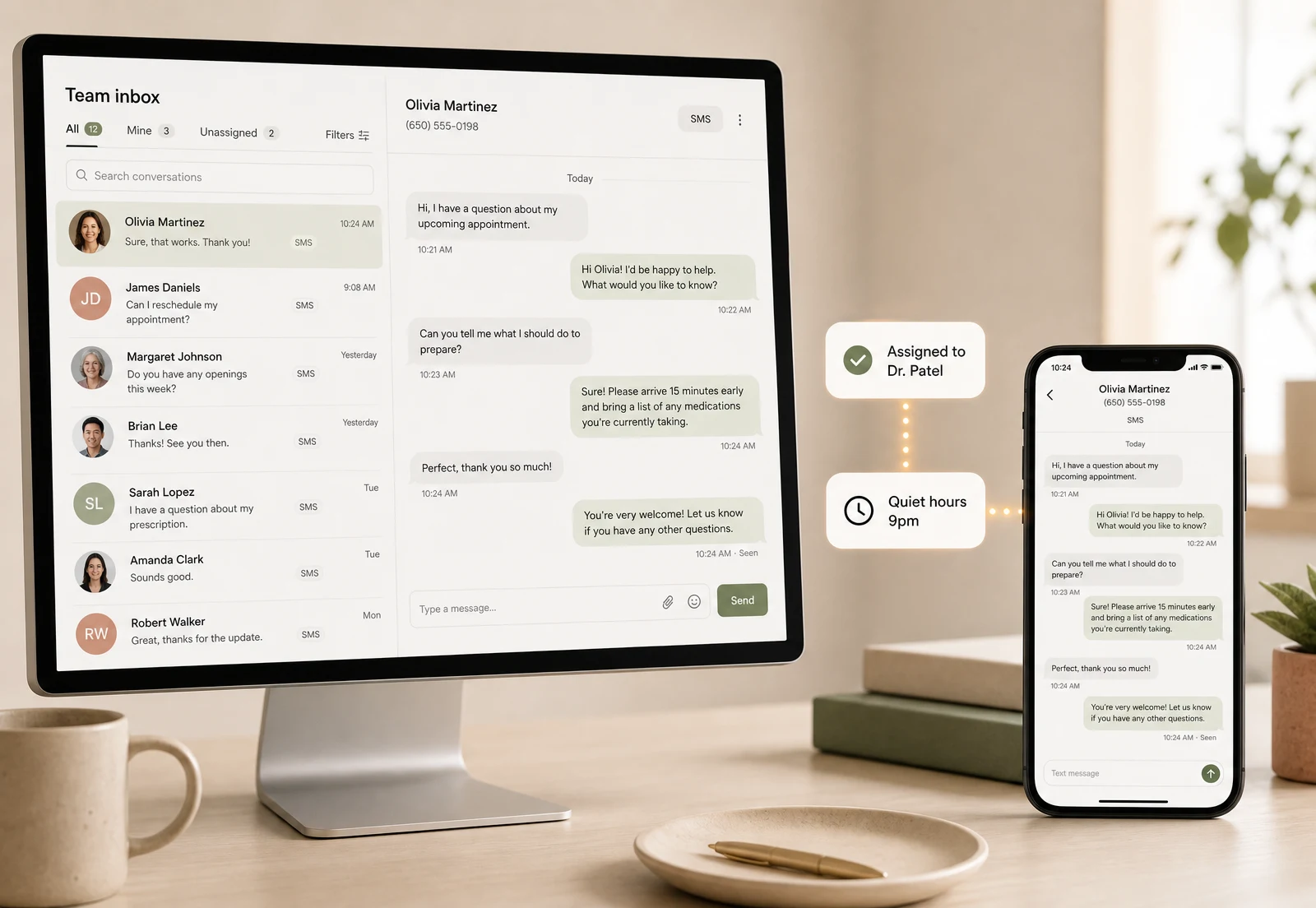
    Track patient self check-in and rooming, respond from the shared inbox, and let Mox offer open appointments to the waitlist.

  3. 03

    Make the handoff

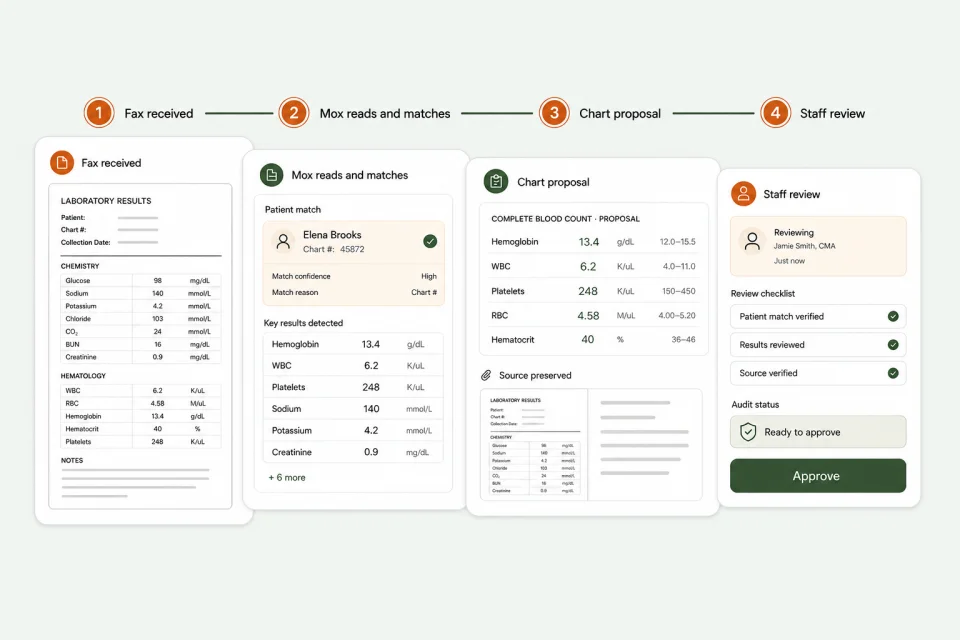
    Keep messages, documents and follow-up connected to the patient, so the next team member can pick up with context.

BUILT FOR THE WORK ITSELF

From the first ring to a visit that’s ready.

Explore the connected workflows your team can use before, during and after a visit.

SEE IT IN PRACTICE

See how Mox connects the work.

Follow Mox across patient calls, intake, scheduling and clinical work, with supervision and an activity record keeping your team in control.

What this video shows

Follow Mox across patient calls, intake, scheduling and clinical work, with supervision and an activity record keeping your team in control.

BEFORE YOU DECIDE

A few useful answers.

  1. 01Mox prepares
  2. 02Your team reviews
  3. An attributable action
Does this replace our front-desk team?

No. Mox supports routine workflows so staff can focus on patients and exceptions. Your practice decides what AI can handle and when to involve a person.

Can we use our existing intake forms?

Yes. Upload your clinic's PDF forms to prepare a chat-style intake. Review and configure the experience before sharing it with patients.

Are clinical conversations sent as ordinary texts?

Patients receive a link and authenticate for secure clinical conversations and attachments. Notification messages should not contain clinical details.

YOUR PRACTICE. YOUR PACE.

Start with the work
you want off your plate.

Bring your toughest workflow. We’ll show you how Moxcares can help—and what moving over would look like.

Show me my workflowA focused conversation. A practical next step.