
FOR INDEPENDENT ORTHOPEDICS PRACTICES
Injuries, joints and the next step in care.
Keep the referral, the joint exam, imaging, treatment plan and claim connected. The Orthopedics Care Pack gives every team a clearer next step.
- Specialty Care Pack available
- Reviewable clinical proposals
- Intake, care plans and follow-up connected
STEP 01
Document the joint—not a generic visit.
Region-specific exams cover knee, shoulder, hip, spine and hand/wrist visits, with acute-injury, injection and pre- and post-operative documentation. Optional code proposals stay linked to what the clinician wrote.
Explore each step. Your team stays in control.
HOW THE WORK MOVES
Your Care Pack, from intake to follow-up.
Specialty workflows built on one patient record—not just a collection of note templates.
- 01
Document the joint—not a generic visit.
Region-specific exams cover knee, shoulder, hip, spine and hand/wrist visits, with acute-injury, injection and pre- and post-operative documentation. Optional code proposals stay linked to what the clinician wrote.
- 02
Connect imaging and the treatment plan.
Keep imaging orders and results with the chart. Offer Ottawa ankle and knee rules from stated inputs, and turn the clinician’s follow-up plan into a recall.
- 03
Give the billing team its own worklist.
Handle DME claims without an encounter, workers’ compensation and auto-liability workflows, and commercial claims. A shared revenue queue keeps work visible across locations.
FROM TREATMENT PLAN TO FOLLOW-THROUGH
The work doesn't end with the joint exam.
Post-operative visits, injection-series follow-ups and DME claims still in draft become assigned attention items—not another list someone has to reconstruct.
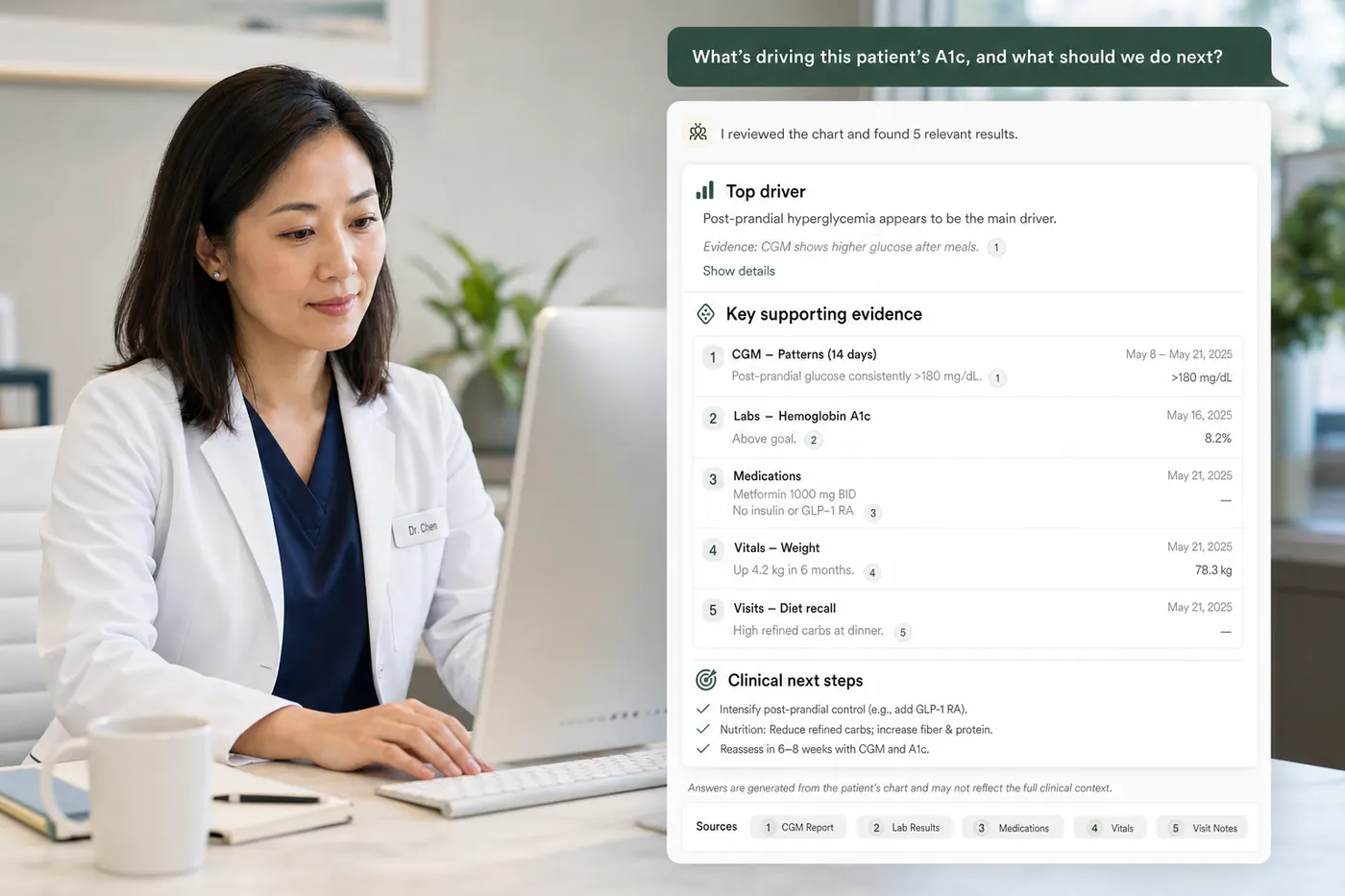
Post-operative follow-up
A planned review becomes an assigned recall. Staff can see the next booking step without reconstructing the surgeon's plan.
Injection-series continuity
Keep the next visit connected to the treatment plan, with source-linked attention items for the responsible team.
DME and claims work
Follow draft DME claims, workers' compensation and commercial claims in the shared revenue workflow.
CLEAR RESPONSIBILITIES
Clinical decisions stay with your clinicians.
Care Packs provide specialty intake, documentation, offered scores, treatment-plan recalls and attention worklists. Scores use published definitions and stated inputs; clinicians choose when to use them. Clinical proposals require review. Specialty interfaces and local protocols are confirmed during setup.
Explore the Trust CenterBEFORE YOU DECIDE
A few useful answers.
Is ambient scribing included in the plan?
Ambient scribing is an optional $69 per provider per month add-on, scoped to the provider across clinics. It is not included in the base plans. Patient consent and clinician review are required.
Does the orthopedic workflow interpret diagnostic images?
No. Moxcares supports imaging orders, reports and results in the patient workflow. It does not replace diagnostic image interpretation or a dedicated imaging system.
Can we bring our existing forms and records?
Existing PDF forms can become conversational intake. C-CDA imports support key clinical records; import completeness depends on the source export and should be validated before everyday use.
Do we have to replace all our systems at once?
No. Discuss the workflows you want to improve first and the tools you plan to retain. We will confirm supported handoffs and the scope of a staged adoption.
Keep reading

Choosing an EHR for a new practice: what to test before you sign
Day-one workflow tests, complete pricing and setup requirements for your first EHR.

AI medical coding software: what small practices should look for
Test source-linked suggestions, documentation gaps, effective dates and the handoff to billing.
Conversational patient intake vs digital forms: what actually changes?
Compare answer choices, branching, accessibility and the work left after submission.
YOUR PRACTICE. YOUR PACE.
Start with the work
you want off your plate.
Bring your toughest workflow. We’ll show you how Moxcares can help—and what moving over would look like.
Show me my workflowA focused conversation. A practical next step.