
A starting point, not an automatic final note.
Moxcares prepares organized content for review. You edit or accept proposals instead of treating a generated summary as a clinical decision.
AMBIENT SCRIBING
Let the patient conversation become a structured note proposal inside the chart. Spend your attention on the person in front of you, then review the documentation before you sign.

Listen now. Review, refine and sign in the chart.
Illustrative workflow · Source audio purged after processingHOW THE WORK MOVES
Keep the recording, draft and clinical review connected to the visit instead of moving text between separate tools.
With the appropriate patient consent and your practice’s recording policy in place, start ambient scribing from the visit. Use the microphone on your existing device.
The conversation is transcribed, summarized and organized into note proposals. The transcript supplies context for reviewing what was discussed; source audio is purged after processing.
Check the proposal against the visit, correct omissions or mistakes and accept the content you want to use. Clinical judgment and the signed note remain yours.
BUILT INTO THE WORKFLOW
Documentation should arrive where the clinician already works—with a clear distinction between a draft and the medical record.

Moxcares prepares organized content for review. You edit or accept proposals instead of treating a generated summary as a clinical decision.
Prefer to dictate specific findings or a plan? Dictation and intelligent pre-fill help prepare note sections using visit, intake and chart context.
Review previous notes alongside current documentation. Ask the Chart retrieves information with links to the source record, so you can check the context yourself.
SEE IT IN PRACTICE
Watch a clinician use ambient scribing, review the structured note proposal and return attention to patient care.
Watch a clinician use ambient scribing, review the structured note proposal and return attention to patient care.
CLEAR RESPONSIBILITIES
AI-generated documentation can contain errors or omit context. Review proposals before accepting them, and follow your practice’s patient-consent requirements. Purging source audio does not mean the transcript or clinical record is deleted.
Explore the Trust CenterBEFORE YOU DECIDE
Ambient scribing runs in the Moxcares visit workflow using a supported device’s microphone. Your team does not need an additional recording device to start.
No. The generated content arrives as proposals for the clinician to review, edit or accept. The clinician remains responsible for the final documentation and signature.
Source audio is purged after processing. The transcript and resulting clinical documentation are separate records; their handling follows the applicable product controls and your practice’s policies.
Yes. Dictation and note pre-fill support documentation when you want to describe findings directly rather than capture the entire visit conversation.

Compare pricing models, chart handoff and our $69 per-provider scribe add-on across clinics.
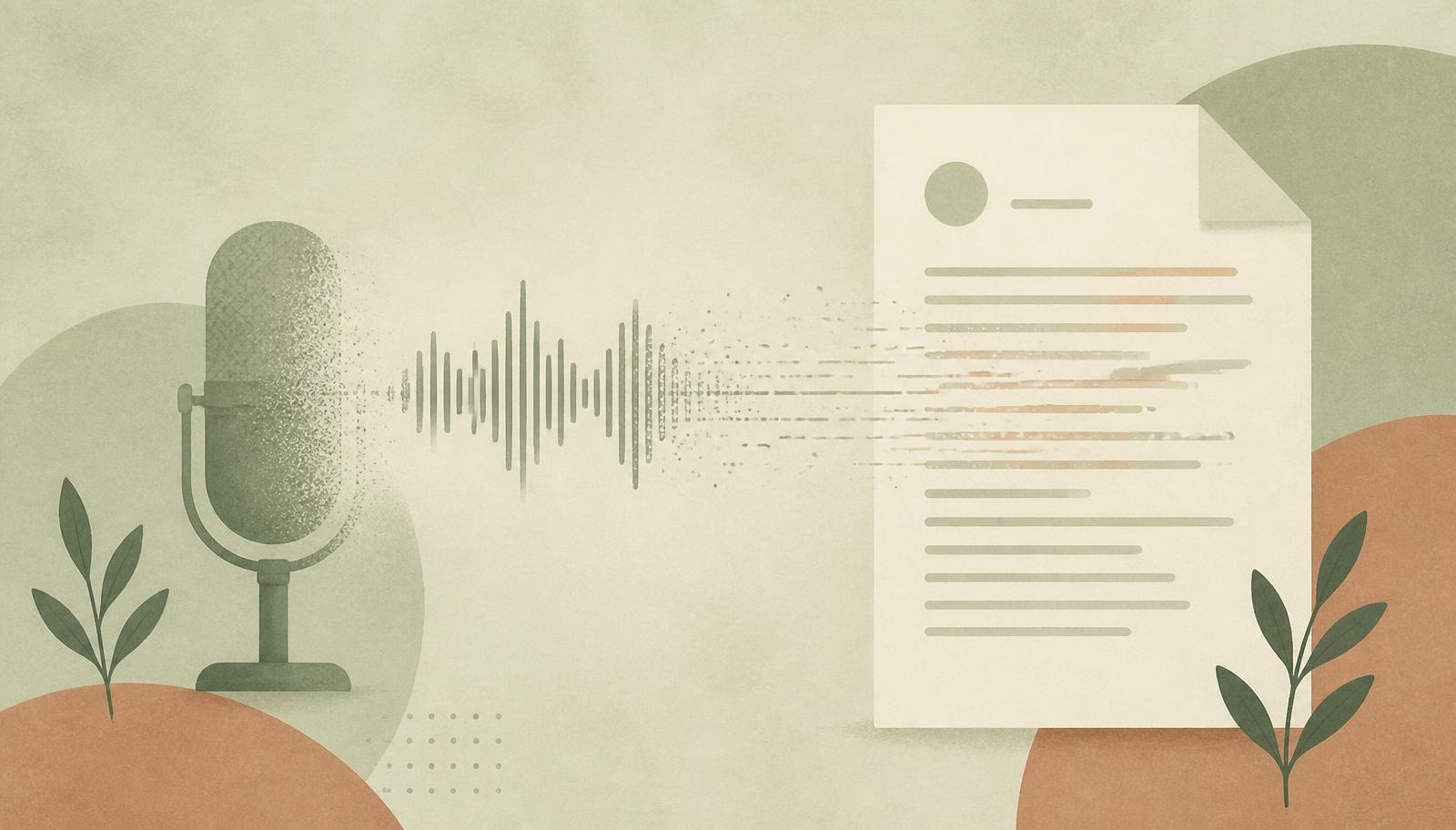
The recording exists only while it's being processed. Then it's gone.

Day-one workflow tests, complete pricing and setup requirements for your first EHR.
YOUR PRACTICE. YOUR PACE.
Bring your toughest workflow. We’ll show you how Moxcares can help—and what moving over would look like.
Show me my workflowA focused conversation. A practical next step.