
A FAMILIAR SCENARIO
A patient asks a question. The next person needs the whole conversation.
- Search separate messages and attachments.
- Ask a colleague what happened.
- Call the patient for the same details.
PATIENT COMMUNICATION
Patients should not have to chase a reply. Give them a private place to message your clinic, and give staff one inbox with the context to help.
FROM THE CURRENT DAY TO THE NEXT STEP
Keep the convenience of a phone link without turning an ordinary SMS into a clinical conversation.
A FAMILIAR SCENARIO
WITH MOXCARES
Send a link using the practice's communication settings. The patient verifies access before opening the private conversation.
Patient messages, attachments and staff follow-up stay together in the shared inbox.
Illustrative workflow. Your practice sets the rules, permissions and human handoffs.
WHAT CHANGES FOR YOUR TEAM
From a patient question to a staff response, the conversation stays connected to the practice.
PRIVATE ACCESS
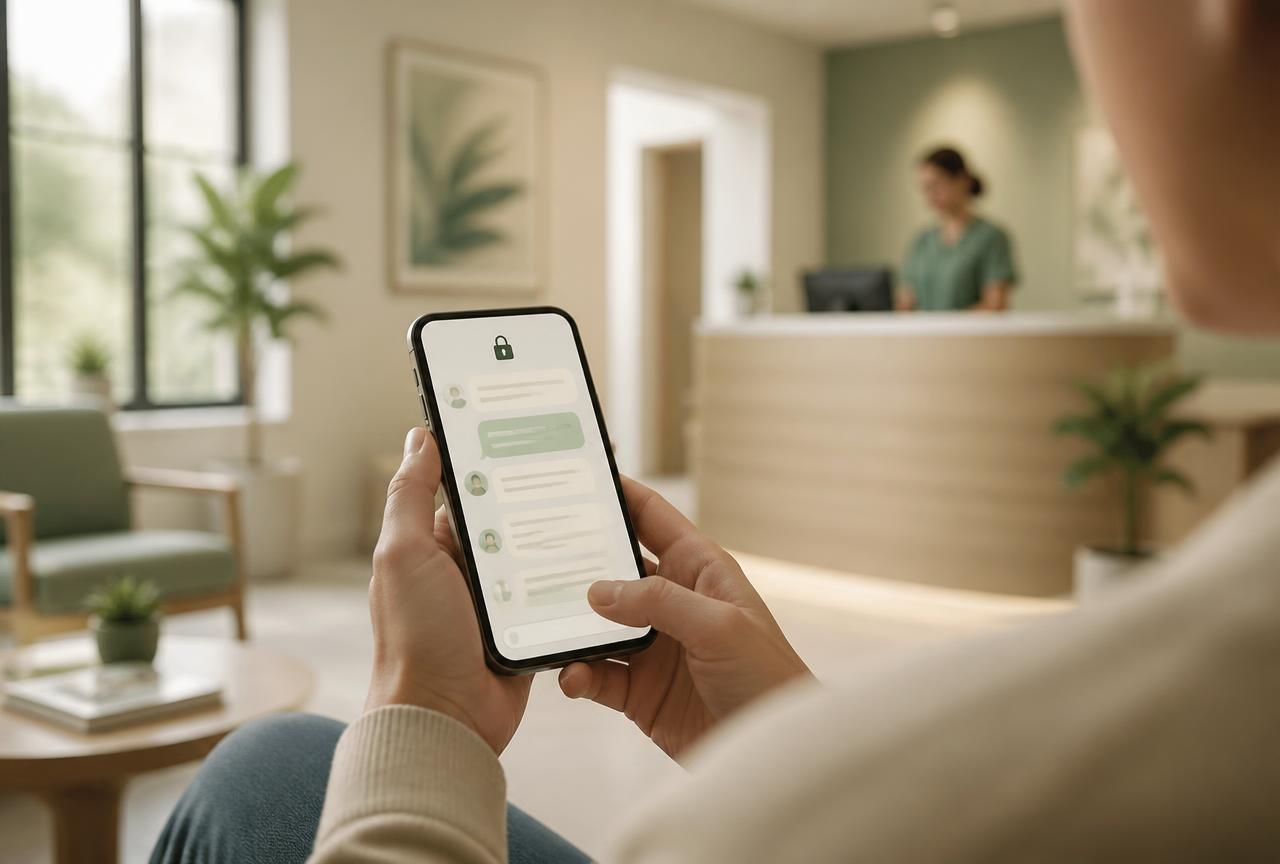
An SMS notification brings the patient to an authenticated conversation. Clinical messages and attachments belong inside that secure experience, not in the notification text.
The notification brings you in.
The clinical conversation stays private.
MESSAGES & DOCUMENTS
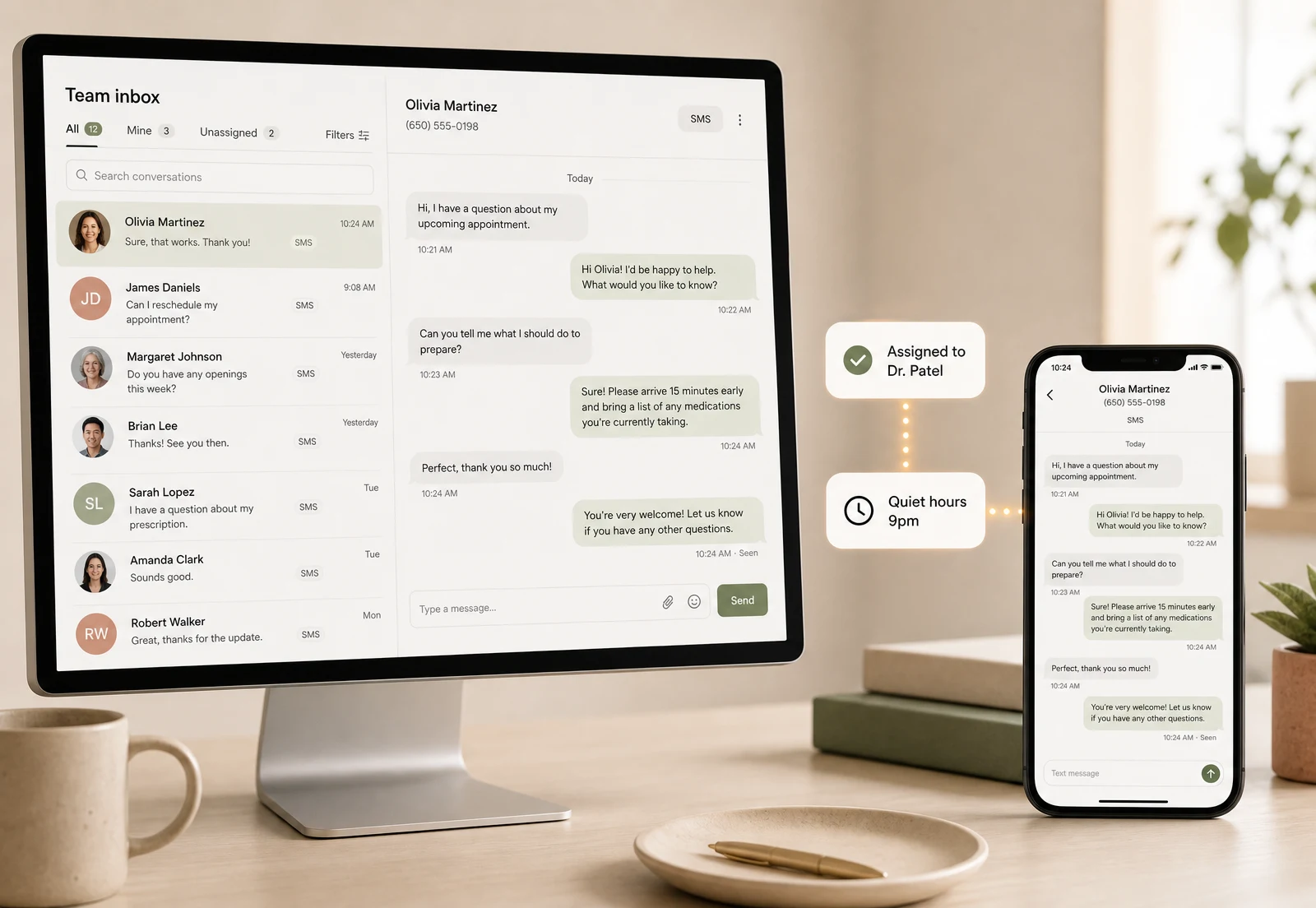
See the patient, their messages and what needs attention in one workspace. Staff can respond with the relevant context instead of searching disconnected accounts.
HUMAN HANDOFF
Mox supports routine workflow tasks while your team handles clinical questions and exceptions. Phone booking is available through the AI receptionist, with handoff to staff when needed.
Explore the AI receptionistSEE IT IN PRACTICE
Follow the exchange from the patient's phone to the clinic inbox.
Follow the exchange from the patient's phone to the clinic inbox.
BUILT AROUND THE PATIENT
Whether a patient needs to send a document or ask about the next step, your staff can keep the exchange in one place.
Visit the Trust Center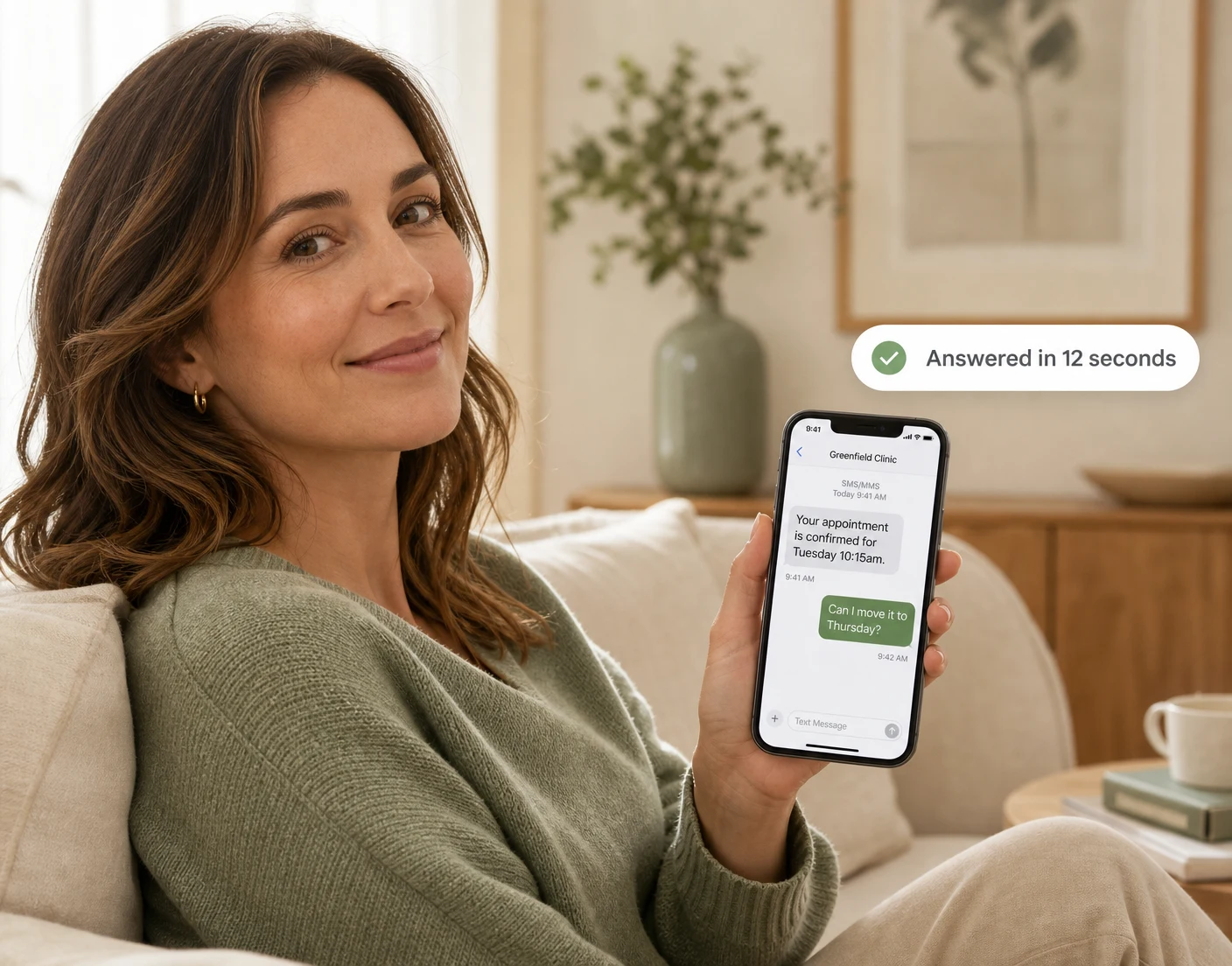
Open a link and authenticate, without downloading an app.
Communication preferences and quiet hours help your team manage outreach.
Role-based access and attributed activity support a supervised workflow.
FIT THE SOLUTION TO YOUR PRACTICE
Use these patient-facing workflows around the EHR your team already knows. Move clinical work to Moxcares when that becomes the right next step.
AI front desk, patient engagement and a reviewed handoff to your clinical system.
Patient engagement and our EHR, with optional clinical and revenue modules.
Scribing, payments, verification and claims are optional paid modules. Plan inclusions, usage and module requirements vary. See plans and add-ons
BEFORE YOU DECIDE
The notification can contain a link. The patient authenticates to exchange clinical messages and attachments in the secure conversation; the notification and the clinical channel are different.
Yes. Patients and authorized staff can exchange attachments inside the secure conversation.
Messaging and phone workflows can work alongside each other. The AI receptionist handles calls, bookings and rescheduling, and can capture messages or hand off to staff.
No. Moxcares provides safeguards including access controls, encryption, audit records and a BAA. Your practice still manages its own policies, staff access and appropriate use. See the Trust Center for the control details.
Consent, authenticated links, two-way threads with attachments, and an exportable audit trail.

How intake and messaging improve the pre-visit experience and your reviews.

If your email needs a confidentiality footer, the channel is already broken.
YOUR PRACTICE. YOUR PACE.
Bring a workflow your team wants to improve. We’ll show the next steps with Moxcares, whether you keep your EHR or use our full platform.
Show me my workflowA focused conversation. A practical next step.