
THE MOXCARES FIELD GUIDE / Buying & Evaluation
Best EHR for a Small Practice: 2026 Buyer's Guide
Choose the EHR that makes your clinic's day easier—not the one with the longest feature checklist. Bring a real visit, a billing exception and your team configuration to every demo.
Name the work you need to improve
Write down the three places your team loses the most time. It may be unfinished notes, intake retyping, patient phone calls or claims that need another pass. Then trace one patient from booking through documentation and payment.
A small practice needs clarity about who owns the next step. Ask the vendor to show your front desk, clinician and billing specialist working on the same example. A feature that exists but adds another inbox may not solve the problem you came to fix.
Base price is only the beginning
Build the quote around locations, active clinicians, front-desk staff and the workflows you will use. Include clinical documentation, prescribing, eligibility, claims, fax, messaging usage and payments where applicable.
Moxcares base platform plans are priced per clinic. Clinical seats and selected workflow add-ons are separate, so use the calculator for a complete estimate. For every vendor, check renewal rates, billing term, setup support, export provisions and any separately priced services.
Nine capabilities to take through a live demo
Test charting and templates; ambient scribing and dictation; intake summaries; cited chart answers; optional ICD-10 and CPT prompts; eRx and EPCS; labs and document filing; scheduling and communication; and eligibility, claims and payments.
For each, ask what is native, what is an add-on and what needs an external connection. Inspect a proposed clinical entry before it is accepted. A fluent AI answer is not a substitute for a source record or clinician judgment.
Several vendors now offer clinical AI
Tebra documents AI Note Assist and AI Smart Staff alongside clinical and revenue workflows. SimplePractice publishes clinical AI add-ons and group options. athenaOne includes clinical, administrative and revenue workflows with Ambient Notes. Jane lists AI Scribe and automated waitlist management in its plan information.
Do not select an EHR on a blanket claim that competitors have no AI. Compare the specific task, its plan requirements and the supervision involved. Our source-linked comparisons distinguish documented features from workflows that still need vendor confirmation.
Do not mistake a fast import for a risky shortcut
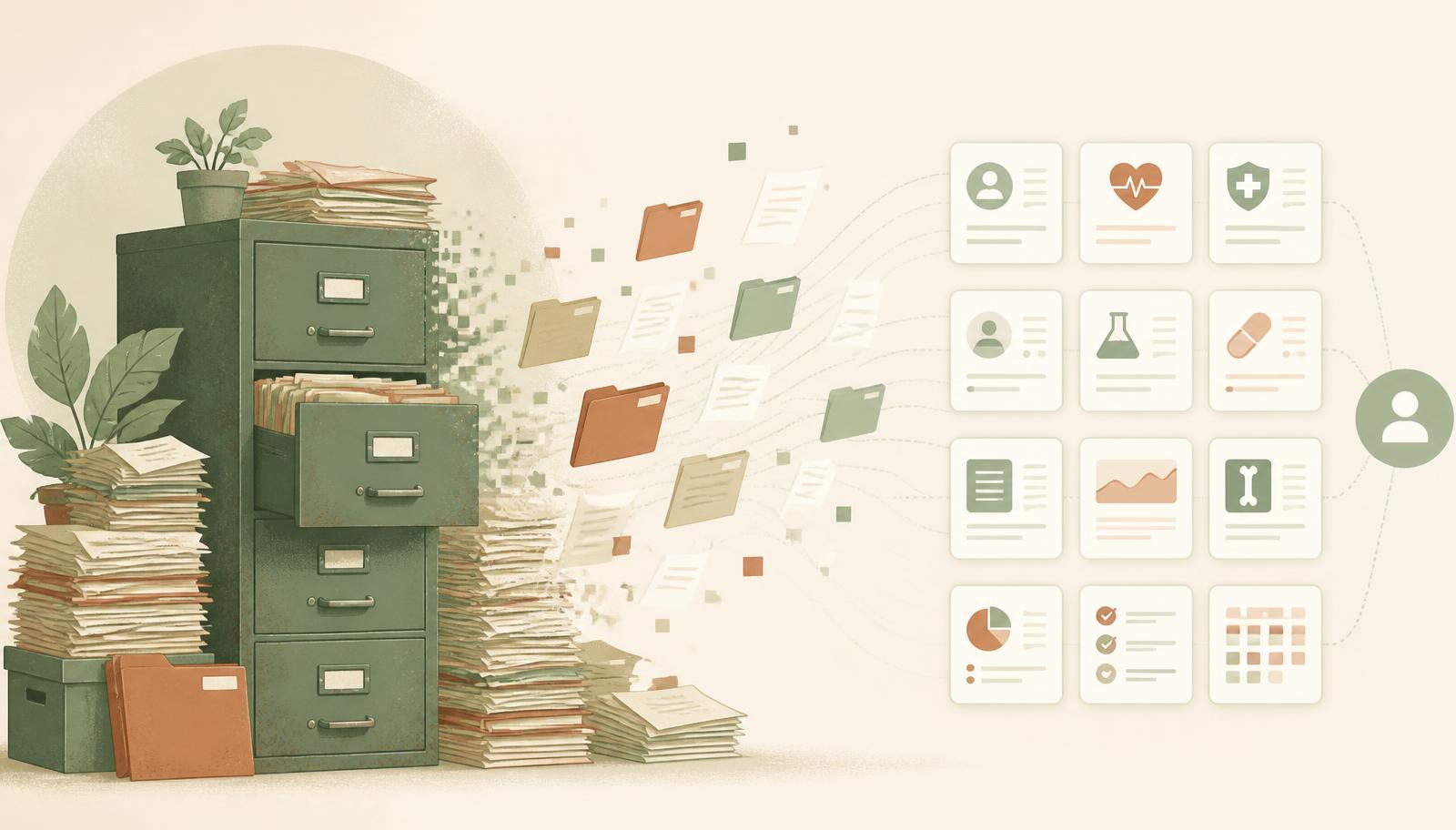
A prepared practice can switch to Moxcares in an afternoon. Upload C-CDA files and patient documents; AI reads and files the records so the practice can get moving quickly. Review uncertain matches and validate the imported clinical history.
You can also adopt in stages if that suits your team. Obtain your current system's exports, retain appropriate access to source material and agree on the go-live plan. An ongoing external EHR integration is a separate scope from importing your records.
Ask to see the evidence
Request the BAA, access model, data-handling boundaries, subprocessor information and an example audit record. Ask which AI actions require review, what happens to source audio and how clinical decisions remain attributable.
Software controls support your practice's obligations; they do not replace staff training, appropriate access or your own policies. Separate controls that are implemented from independent certifications. Moxcares does not claim SOC 2 certification.
Primary sources and further reading
Put the guide into practice
Common questions
What is the best EHR for a small practice?
It depends on specialty, team size, clinical workflow and the complete cost. Test your own visit and billing scenarios, and confirm the plan and services required.
Can a practice switch to Moxcares in an afternoon?
Yes, a prepared practice can use C-CDA exports and patient documents for AI-assisted import and filing. Validate the imported records and review uncertain matches; external integrations have a separate scope.
Does the starting platform price include every clinical tool?
No. Clinical seats and selected workflow add-ons are priced separately. Use the pricing calculator to estimate your complete configuration.
PUT IT INTO PRACTICE
Compare your day, not a generic demo.
Bring a charting task and an administrative bottleneck. We will show the workflow, its review points and the configuration it needs.
Book a workflow demo →Keep reading

EHR switching cost: what small practices actually pay
Implementation, migration, training, overlap — the full line-by-line switching bill.

Why small practices stay on legacy EHR software
It isn't the money or the features — it's a fear that stopped being true.
EHR migration: switch practice software in a day
Why leaving a decades-old practice management system is nothing like clinics fear.