
Every clinic owner we talk to holds the same two beliefs at the same time.
The first: AI is coming to healthcare, and the practices that adopt it early will run circles around the ones that don't. Nobody argues with this anymore. You've probably watched a colleague's practice answer patient texts at 9 PM without a single staff member lifting a finger, and felt something between curiosity and quiet urgency.
The second: switching off our current system would be a nightmare. Fifteen years of patient records. Thousands of documents. Schedules, insurance details, notes, faxes, lab results — a whole practice's memory, locked inside software designed when fax machines were cutting-edge.
Here's what we've learned after helping practices make this move: the first belief is right, and the second one is about ten years out of date.
The real cost isn't switching. It's staying.
Legacy practice management systems weren't built badly — they were built for a different era. A world where a human typed every appointment, filed every document, and re-keyed the same insurance card into three different screens. Every workflow assumes a person is doing the work.
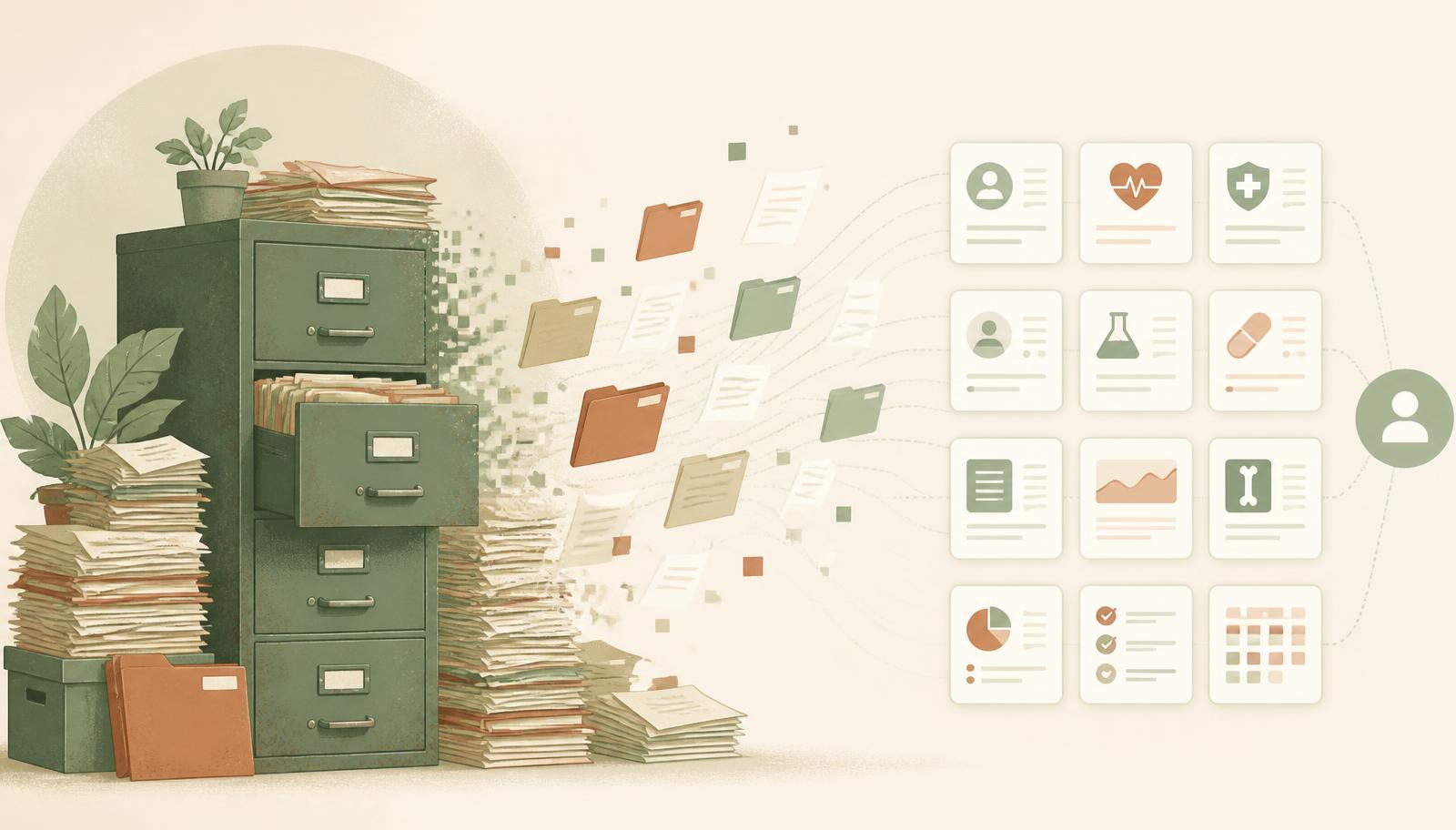
So when these platforms "add AI," what you actually get is a chatbot bolted onto the side of a thirty-year-old database. It can't really do anything, because the system underneath was never designed for software to take action. It's a voice assistant duct-taped to a filing cabinet.
Meanwhile the daily tax compounds: the front desk re-typing demographics, the fax pile nobody has filed, the patient who called twice to reschedule and gave up, the insurance that wasn't verified until the patient was already in the waiting room. None of it shows up as a line item. All of it costs you money and patients every week.
At some point, every practice that intends to be around in ten years makes the switch. The only question is whether you do it on your schedule or your competitors'.
What "migration" actually looks like now
This is the part that surprises people.
The healthcare industry did one genuinely useful thing over the past decade: it standardized how patient records are exported. Nearly every certified system — athenahealth, eClinicalWorks, DrChrono, Practice Fusion, Tebra, and the rest — can export your entire patient panel in a standard format called C-CDA. It's usually a few clicks in a menu you've never opened. Documents, scans, and PDFs come out as a folder archive. Demographics and appointments export as simple spreadsheets.
That's your entire practice, in a handful of files.
And here's where an AI-native platform earns the name. You don't map fields. You don't hire a consultant to write import scripts. You don't spend a weekend matching "PT_LNAME" to "Last Name." You upload the files, and the platform reads them the way a very fast, very careful staff member would.
When a practice moves to Moxcares:
- Clinical records import themselves. Problems, medications, allergies, immunizations, vitals, labs, and notes flow out of the C-CDA files into each chart — in the right sections, with original dates intact. Notes arrive marked as imported drafts, so clinicians always know what came from where. Nothing gets invented, and nothing gets silently guessed.
- The document pile files itself. Upload the whole archive. The platform reads file names and folder structure, matches each document to the right patient using the medical record numbers we preserve, and queues anything ambiguous for a quick human confirmation. It never guesses on identity. A stack that would take weeks to file is organized before lunch.
- Your MRNs survive the move. Every patient keeps their old record number alongside a new one, so nothing in your paper world, your labs, or your staff's memory breaks.
- Schedules and demographics come along too. Upcoming appointments import so nothing double-books during the transition, and patient details land without a single re-keyed field.
For a typical practice, the data move genuinely fits in an afternoon. Not a quarter. Not a "go-live weekend" with consultants sleeping in the break room. By the next morning your team can ask the chart questions like "has this patient ever had an echo?" and get an answer with a citation to the exact note — including the ones imported that day.
Big practice, big history? Move in waves.
If you're sitting on fifteen or twenty years of records, you don't have to move everything at once — and you shouldn't feel like you have to.
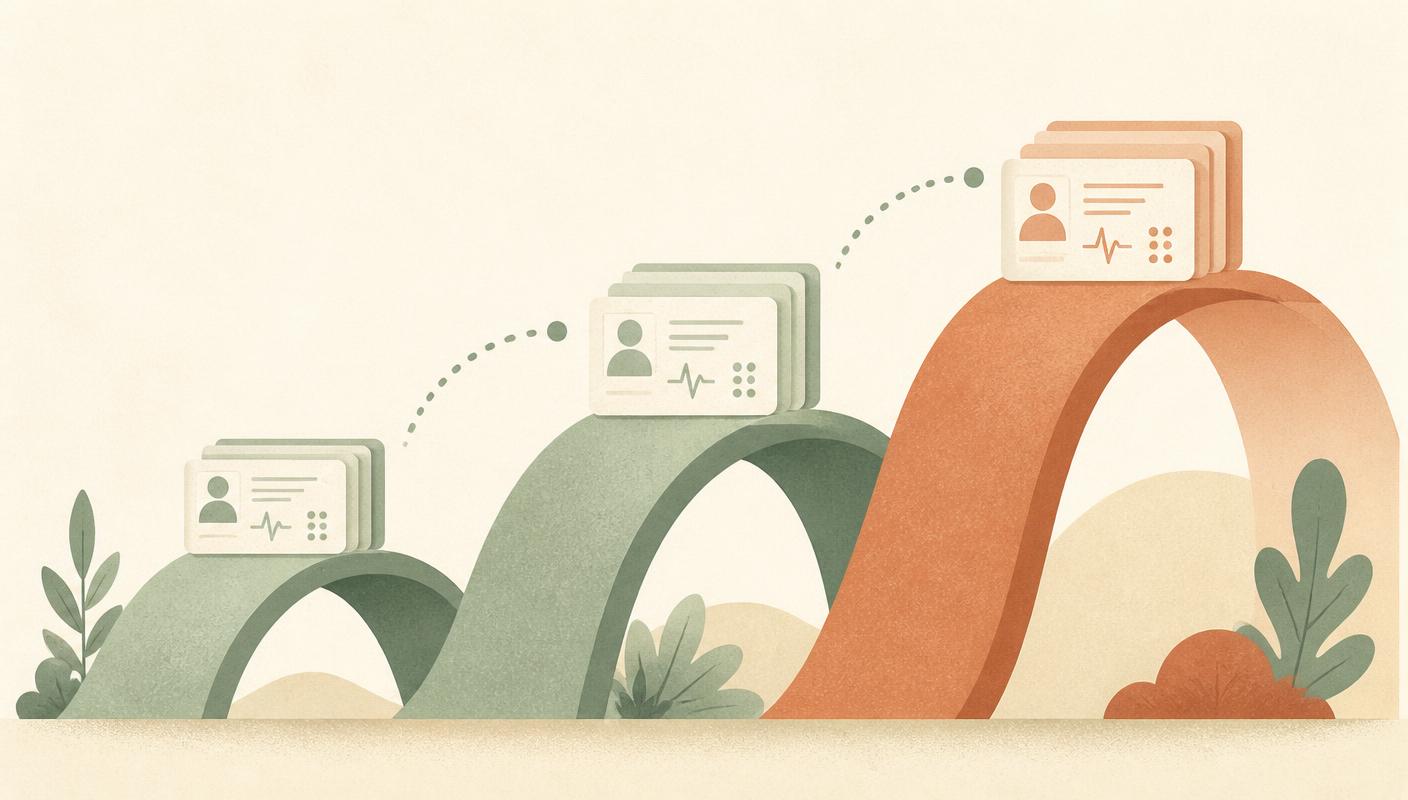
- Wave 1 — your active panel. Patients seen in the last 12 months. This is what your staff touches daily, and usually a fraction of your total record count. This is the afternoon move.
- Wave 2 — the recent past. Patients seen 12–24 months ago, on a quiet week. They're the ones who might call for a follow-up or records request.
- Wave 3 — everyone else. The deep archive moves last, at whatever pace suits you — or simply lives in the imported document set, searchable and safe, from day one.
Your old system stays readable during the transition, nothing is lost in between, and your team learns the new platform on the patients they actually see. Most practices are fully operational on wave 1 alone.
And you're not doing it alone — our team works alongside yours: reviewing the export before you run it, watching the import land, and staying on hand until the last wave settles.
“Bolt-on AI can talk about your schedule. It can't act inside it — the plumbing was never built for anyone but a human at a keyboard.”
The reason to do all this: an AI that actually works for you
Everything above is about making the move painless. But the move isn't the point. The point is what becomes possible on the other side — where the difference between AI-native and AI-bolted-on stops being a marketing phrase and becomes something you watch happen at your front desk.
Meet Mox.

Mox is an AI staff member you hire into your clinic — not a chatbot widget. When a patient texts at 8:45 PM asking to move Thursday's appointment, Mox checks the real schedule, offers real open slots ("Reply 1 for Tuesday 2:30, 2 for Wednesday 10:15"), books the one they pick, sends the confirmation, and logs the exchange for your staff to see in the morning. It handles waitlists, recalls, no-show follow-ups, and reminders. It knows your quiet hours. It always identifies itself as an AI. And it knows where its job ends: anything clinical, anything about money, anything needing human judgment goes to your staff with a clean summary.
Here's the part that matters for this article: Mox can only exist because the platform underneath was designed for it. Reading the schedule, holding a slot, sending a compliant text, writing to the activity log — all of it exists because the system was built assuming software would be a worker in it, with the same permissions, audit trails, and boundaries a human staff member has. Legacy platforms can't retrofit this. Their AI can talk about your schedule; it can't act inside it.
The same foundation runs through everything else: intake conversations that adapt to each patient instead of marching through a fixed form, insurance verified from the record without re-typing, charts that answer questions with cited sources, documents that file themselves on arrival. None of it is bolted on. It's what the platform is.
The afternoon that pays for itself
Somewhere in your building right now is a stack of unfiled faxes, a voicemail from a patient who wanted to reschedule, and a staff member re-typing an insurance ID for the third time this week. That's the old system, charging you rent.
The practices moving now aren't the reckless ones — they're the ones who did the math. The export is a few clicks. The import is an upload. The AI organizes what used to take weeks of data entry. The staff member who never sleeps starts work the same day. The whole thing costs one afternoon and a strategy call.
The switch you've been putting off isn't the mountain it was in 2015. It's a door — and it's already open.
Keep reading
Thinking about making the move?
We'll walk through it with you — from your first export to your last wave, with our team alongside yours the whole way.
Book a transition walkthrough